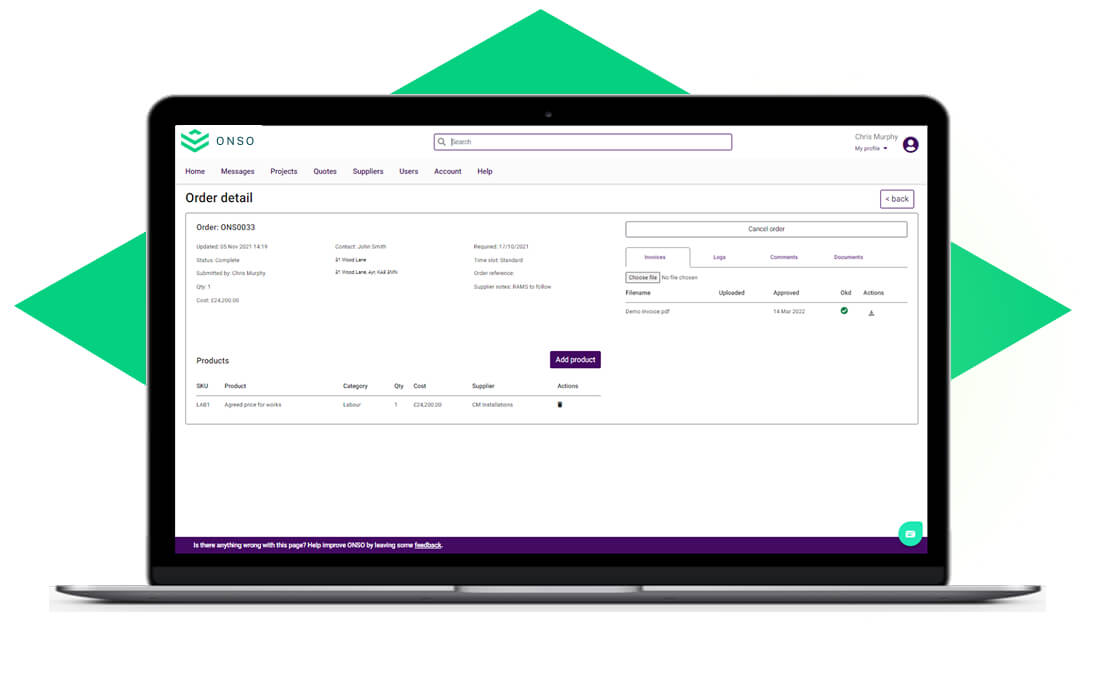
ONSO keeps finance and project teams aligned with end to end invoice matching. Costs are checked and matched automatically, giving everyone confidence in the numbers and ensuring nothing slips through the cracks.
Invoice and purchase order matching
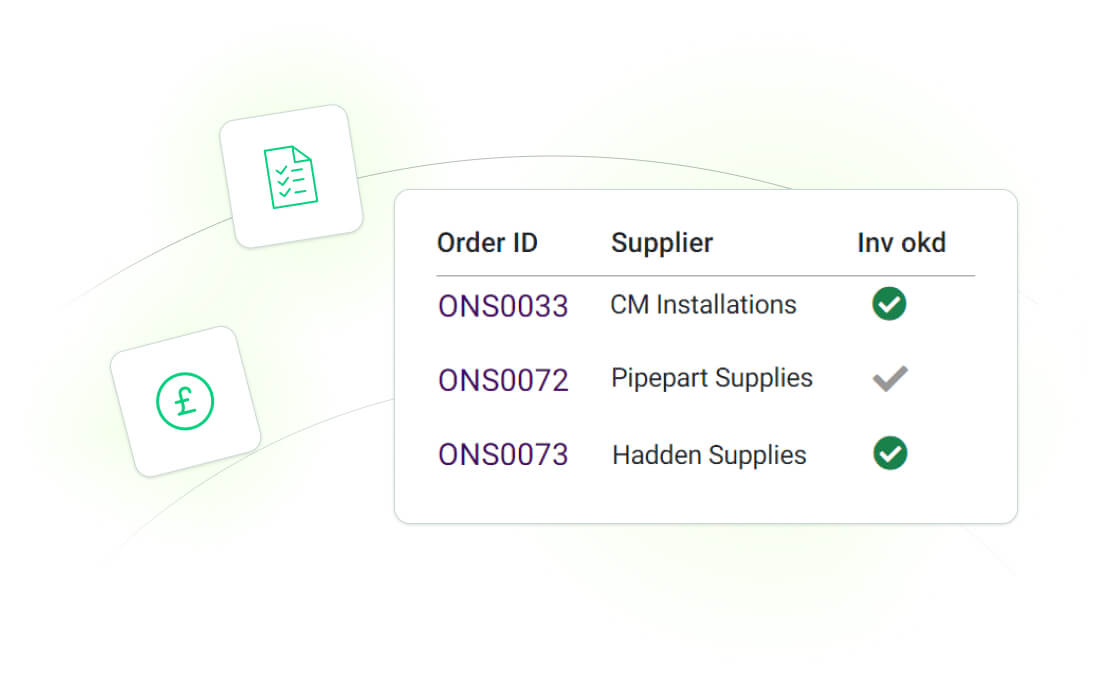
Say goodbye to duplicate invoices with invoice and purchase order matching. ONSO allows you to view the status of every purchase order so you can match it with the associated invoice.
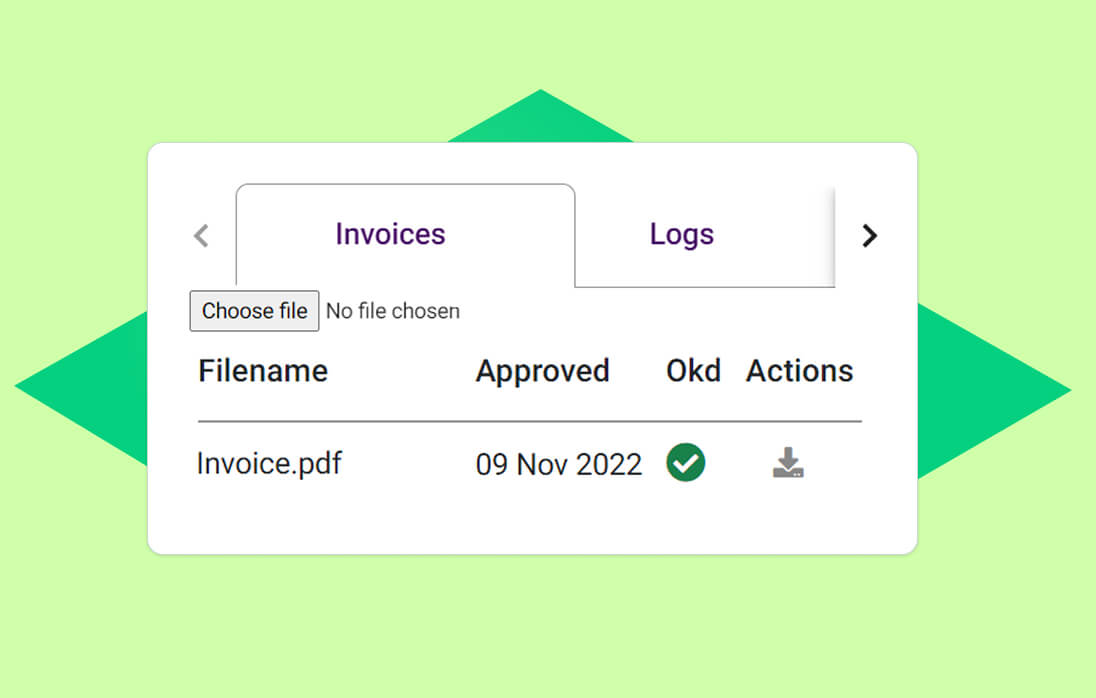
Easily view invoicing actions
Whether you want to check the date an invoice was uploaded or see if who has approved, our logging system will keep a note so you can easily find what you need without any fuss.
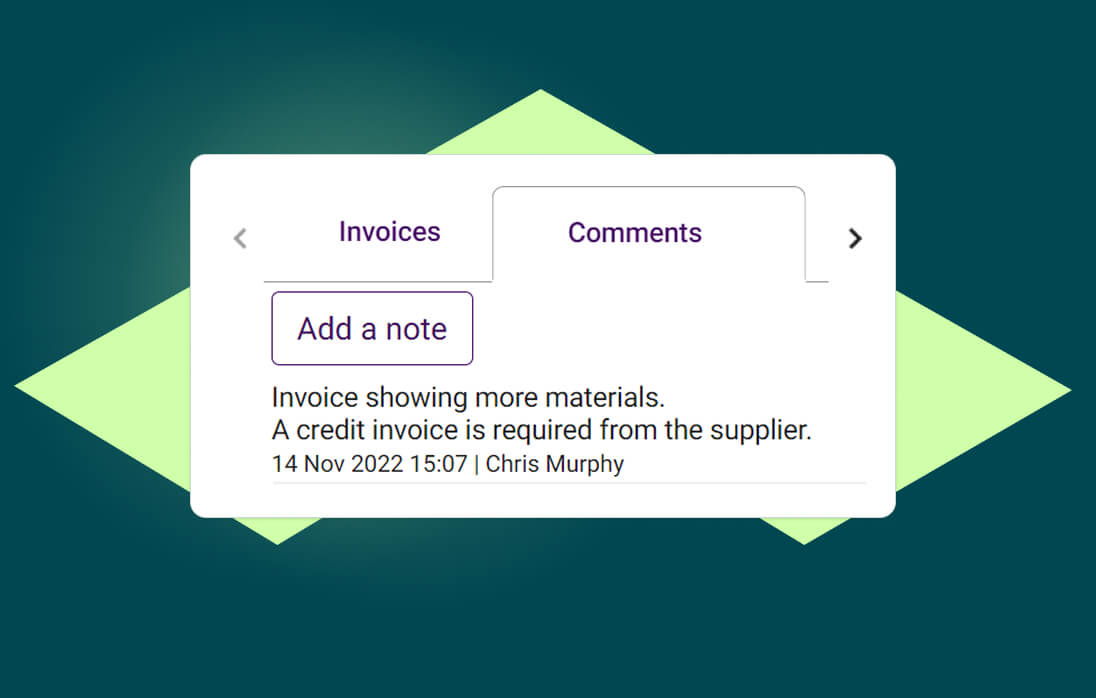
Stay informed of any changes
Different order values and missing stock can create issued when it comes to matching invoices with orders. ONSO allows your different teams to communicate with each other to keep updated with any changes that might occur.