FEATURE

Quotes

We understand that not every business works with fixed supplier rates, which is why the quote feature makes it easy to request and compare prices before costs are committed. By keeping quotes alongside project costs, teams get clear visibility from the start, make better purchasing decisions, avoid surprises and stay in control of project budgets without slowing work down.
ONSO Projects dashboard displaying a list of active projects with their status, current budget, and anticipated profit margins, enabling centralized project tracking and high-level financial oversight.

Send quote requests to multiple suppliers

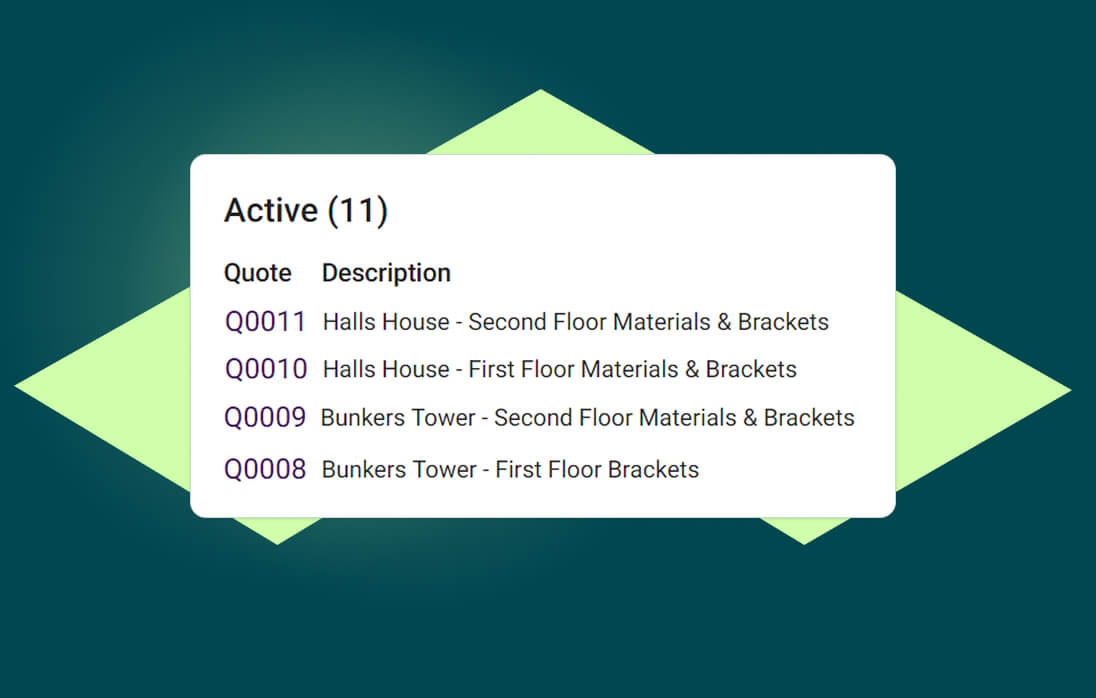
ONSO makes it simple to find the best value from your suppliers. Create a list of products, send it out for pricing, and easily compare supplier responses in one place — so teams can choose the best price with confidence and keep project costs under control.

ONSO project creation screen where managers can set up a new project, assign key information, and input the anticipated profit margin to define financial goals and ensure early budget alignment.
ONSO Project Users management screen showing assigned team members and their specific roles, ensuring secure and controlled access to project procurement and approval workflows.

Add messages and documents

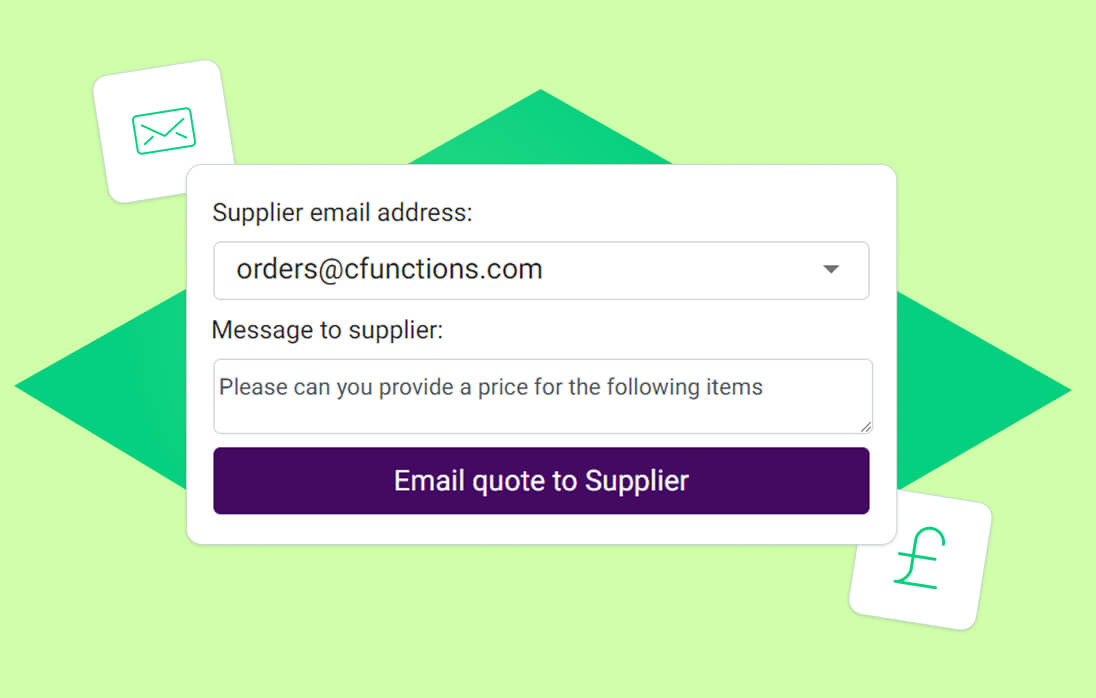
Sometimes there may be times when you need to let the supplier know more than just the products so our message box helps to explain everything that is needed. You can also attach documents and drawings to the quote to assist with your product take offs.

Add values and convert into an order

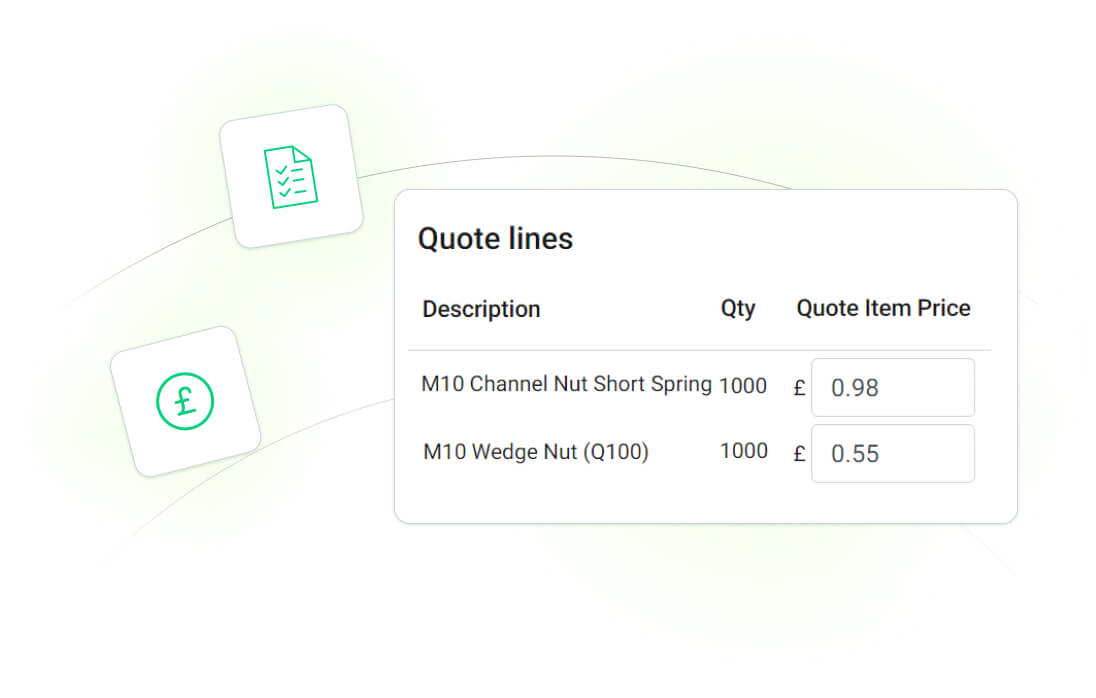
Once you’ve sent the quote directly to the supplier, you can input the cost of each item and convert it into an order on one of your projects. Any documents or notes you sent at quote stage will be available once converted.
ONSO Project Financials screen displaying committed spend, actual spending, and the remaining budget, providing a real-time financial health check for proactive cost control and budget adherence.